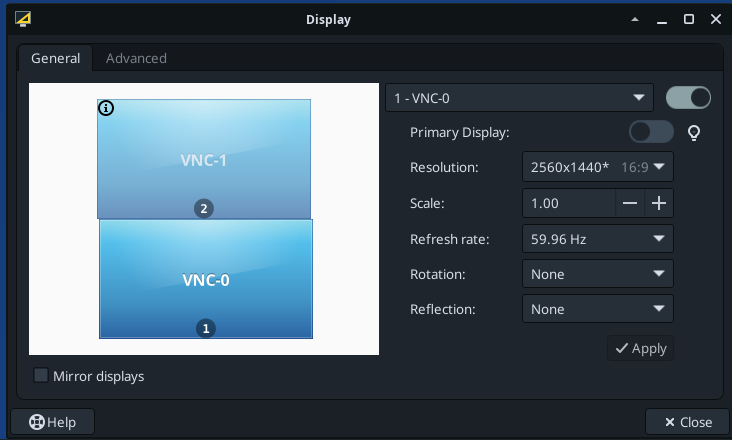
Hallo everyone, first off all i am a major fan of Thinlinc you guys are making a great product.
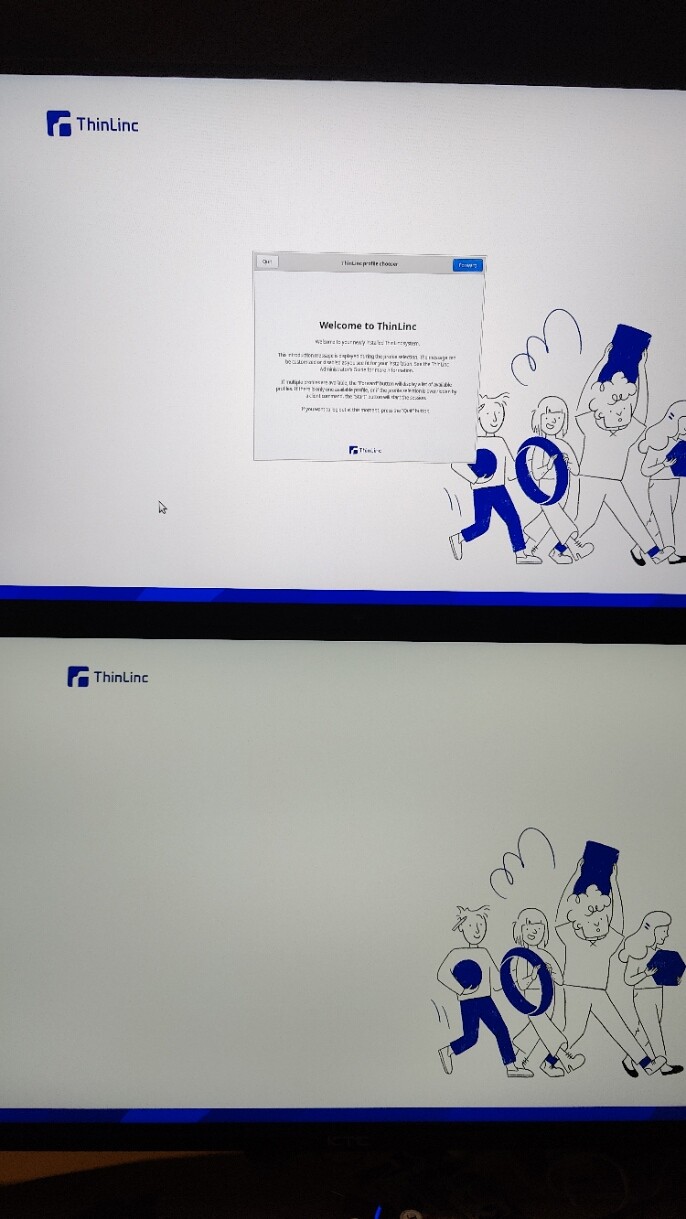
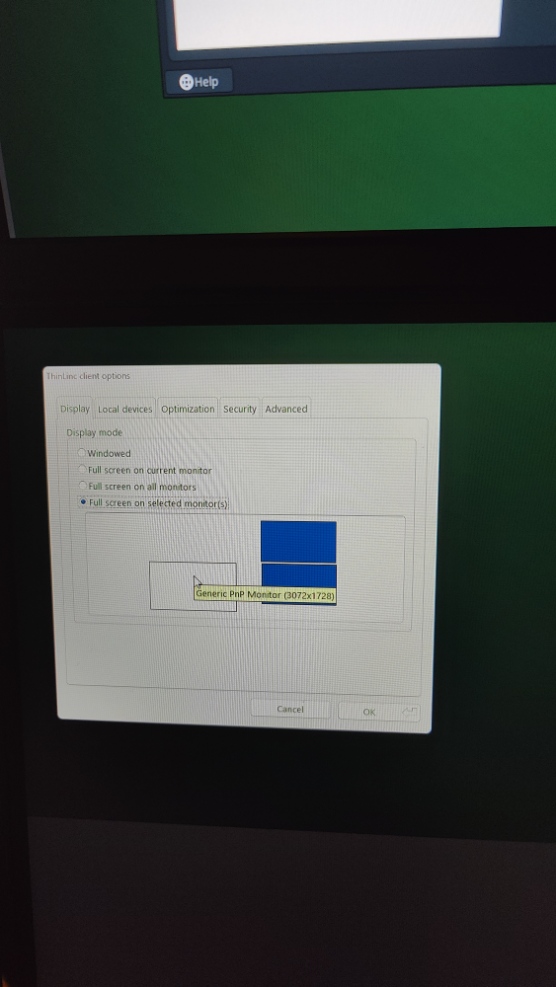
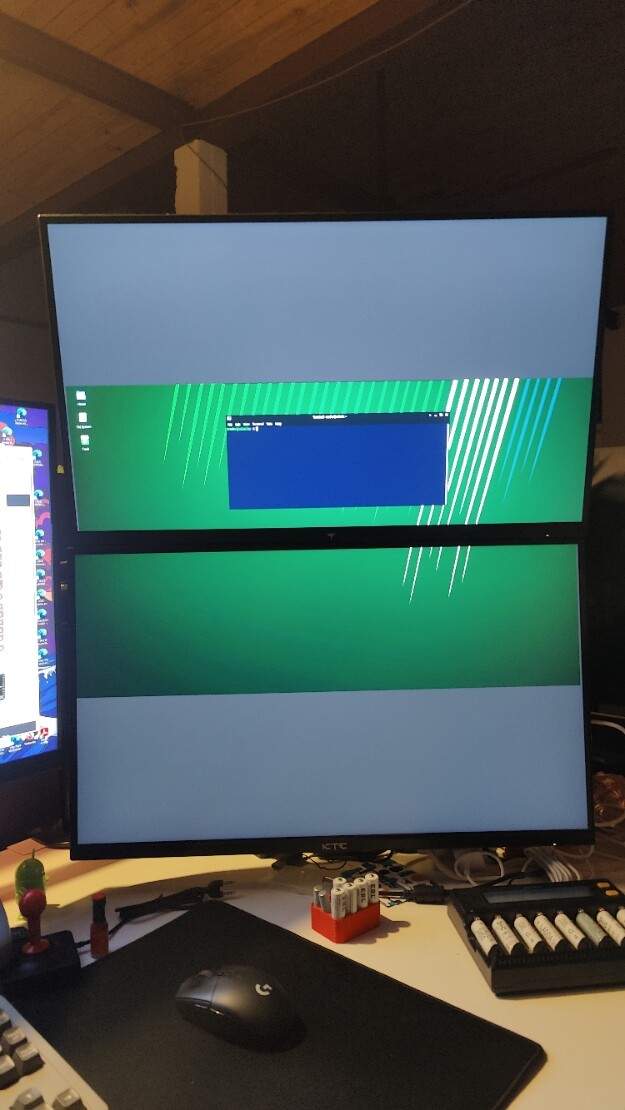
i got a server Xubuntu 24.04.3 LTS with thinlinc version 4.19 , xfce 4.20 nividia NVIDIA GeForce GTX 1050 Ti installed but i dont use virtualGL on the server side and the client is running on windows 11. It is a 3 monitor setup on the client side with 1 main screen at 4k and 2 screen vertical on top of eachother off resolution 2560x1440. So i used these 2 screens for the thinlinc connection to the server. The 4k screen is just my windows screen. Everything was working fine for a month and now suddenly it doens’t scale anymore over the 2 screens. This happend out of the blue. When i press f8 and select again the 2 screens it flashes the 2screen setup for a few seconds and then i just got 1 screen. While like you see on my display option i selected full screen on selected monitors. I rebooted serveral times and the i got it thinlinc session manager nice on 2 screens but when i choose the session it flips to vnc1.
Did anything happen before this problem occurred, such as updating either the client or server machines? I’m afraid it’s not immediately obvious what might be causing this.
You might try running the ThinLinc client from the command line using the -d5 flag to enable verbose debugging, and checking the resulting log file for any clues.
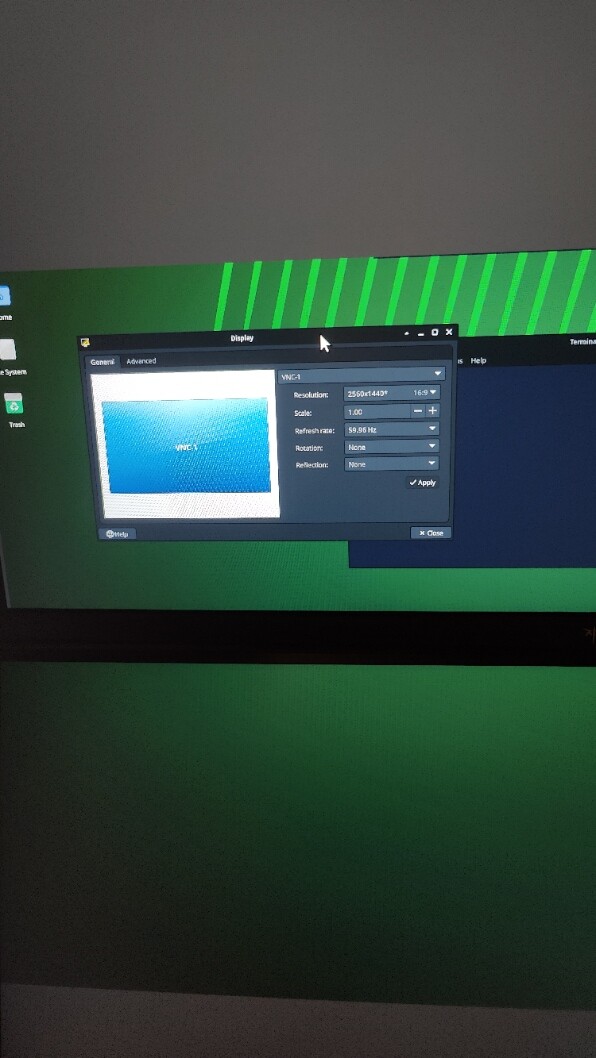
Hi Aaron, thx for the reply in the mean time i found a solution today. After serveral reboots i did a sudo update and upgrade. And it still was the same. But when i pressed F8 an selected full screen on all monitors and back to full screen on selected windows (with the 2 screens selected and the 4k screen disselected) suddely i got this window popping up on the linux machine. Here i see again 2 vnc displays and i choosed the VNC 0 as primary and suddely it was fixed. Running now again like before.
Thx for all your input. Still don’t know exactly what causes it, since i didn’t change anything. What i also noticed is that it is impossible to get the 3 screens working so that de 4 K display is availeble on the server. If i choose that i see one big screen spanned over 3 monitors and offcourse that is not workable.