I have been using KDE desktop over Thinlinc for quite a while.
Recently there were some updates on the box and now I cannot get KDE plasma to start..
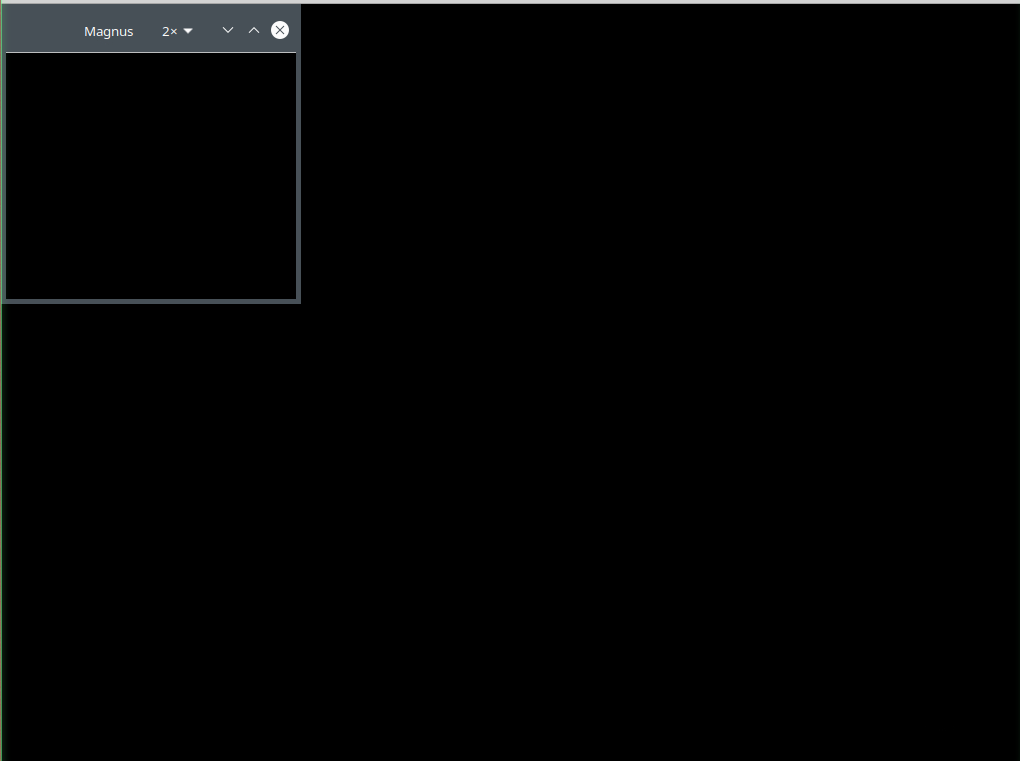
I can get to the profile selection menu.. I select kde… The kde splash logos display.. and I then end up with an all black display with the magnifier app (Magnus) window.. thats it.. no toolbar, menus etc.. all black.
I swear this came up once in the past…and I eventually figured out how to fix it.. but I cannot find any details.. so here I am trying to debug it again. I created a new user on the box and it DOES work for the new user.. so I know it is something in config/caching for my original user. I am running lightdm and everything seems to be fine. Other desktops work fine.. I can connect with XFCE just fine.. its just an issue with KDE.
I tried these things and nothing changed:
Connecting with ‘terminate existing session’
Checked Thinlinc sessions in a separate terminal on the host to see if multiple sessions were in play but only saw the one that is not working.
Clear existing kde configs with
mv .kde .kde.bak
mv .config .config.bak
mv .local .local.bak
rm -rf ~/.config/plasma* ~/.config/kdeglobals ~/.config/kwinrc ~/.config/kglobalshortcutsrc ~/.config/plasmashellrc ~/.config/dolphinrc
rm -rf ~/.cache/plasma* ~/.cache/krunner ~/.cache/org.kde.dirmodel-qml.kcache
I am at a loss. I don’t know if it could be something that can be corrected via the Thinlinc apps or if its something in the Linux arena ..
Does anyone have any ideas? Any info would be greatly appreciated!..